For anyone who liked the wall or fridge calendars better
Your whole year.
Like on the wall.
Boomer Cal exists because squinting at tiny month grids is nobody's idea of a good time. Big type, obvious taps, and the year you can actually see—on iPhone and iPad—without asking a grandkid how the app works.
Tip: rotate for the full year at a glance—twelve months side by side. Extra legroom on iPad.
Features
Easy to use.
Almost suspiciously few taps.
Straightforward layout, big targets, no rabbit holes of submenus. Glance at the year, tap the day, move on—good UX without the homework.
Dark mode.
Obviously.
Midnight, camping, just vibes—adapts automatically or on demand.
Your colors.
Your rules.
Tap any calendar's color dot to repaint it. The year view updates immediately.
Made for iPad.
Big screen, big year.
All twelve months, edge to edge on your iPad. The landscape view here is the digital wall calendar you always wanted.
Made in Germany.
Stays on your device.
No new accounts. No cloud. Your events never leave Apple Calendar—Boomer Cal is just a better lens.
Pins
One tap.
Your world,
filtered.
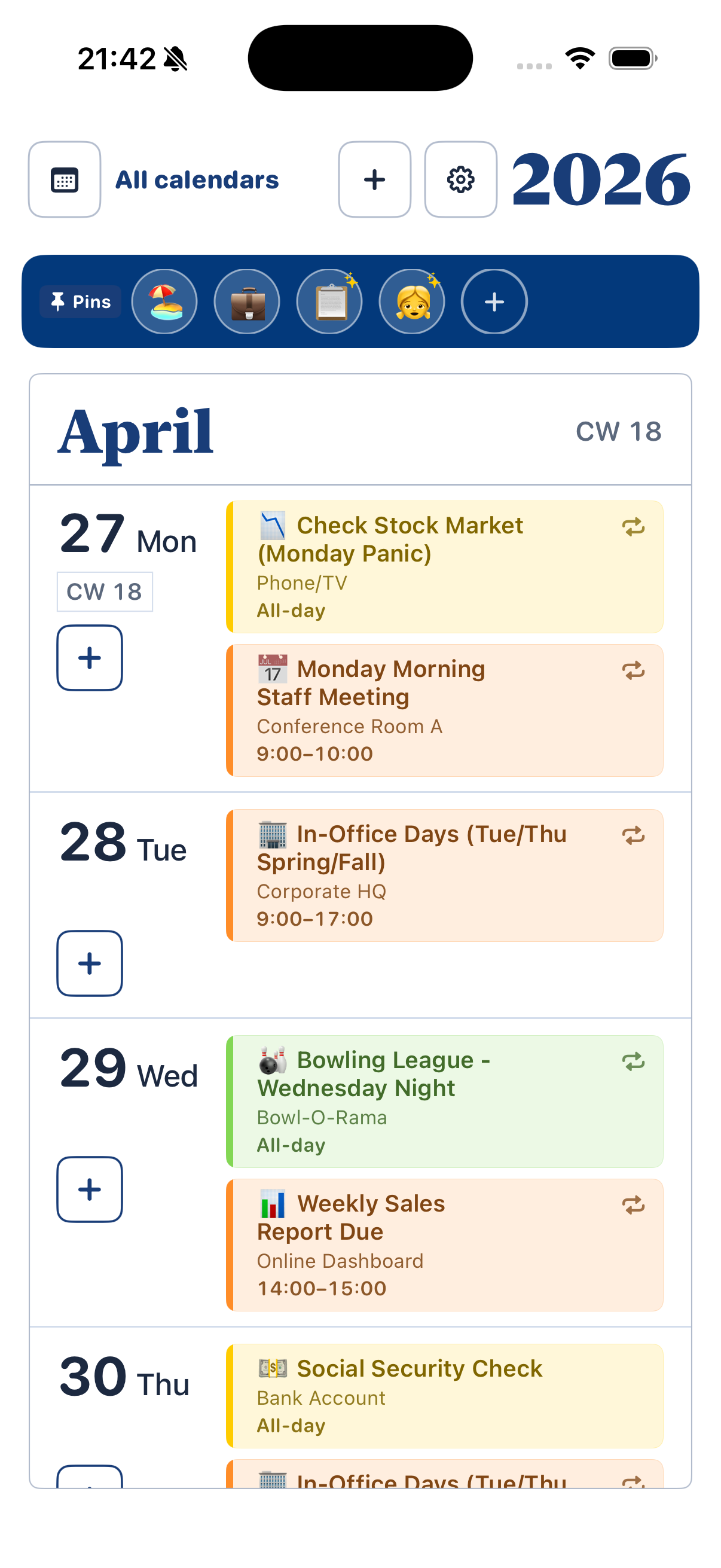
Saved shortcuts on the edge of your year—tap a pin to focus calendars, tap again to see everything. No menus, no back stack.
Smart Pins
Add keywords and Boomer Cal matches titles & locations in those calendars—so one pin can surface “doctor”, flights, or school nights without juggling calendar names.
Try it — tap a pin
Your whole year.
One calm screen.
No sign-up. No subscription. Your calendars, finally visible.
Download for iPhone & iPadYeah, you. The one with the wall calendar in your office. We built this for you.